

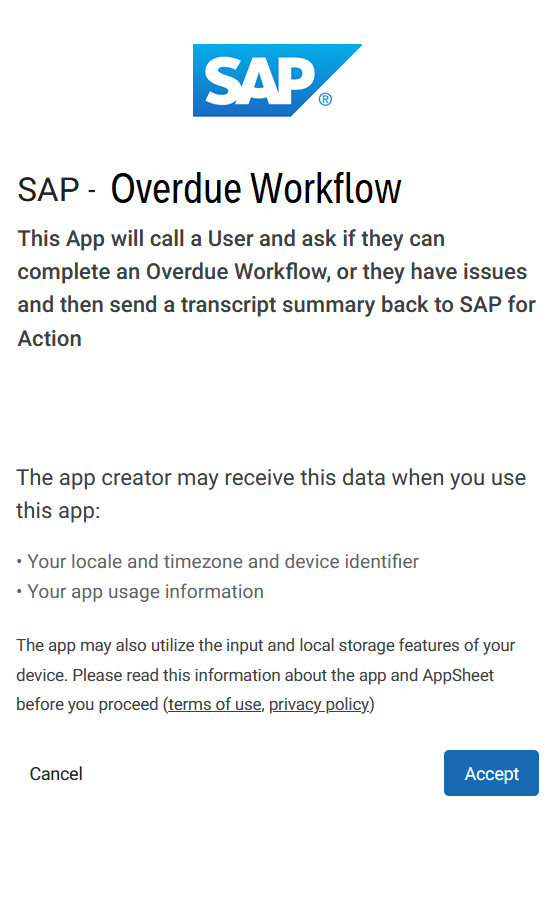
1) ACCEPT
Click ACCEPT to open the App
(its Google Appsheet standard T&C
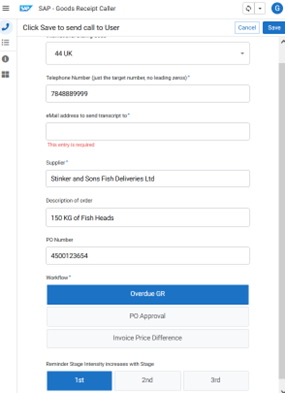
2) Add Details
2 On the form add in
- Phone Number you want the AI to call,
- eMail you want the analysis/transcript sent to
- Enter some PO details - PO Number, Supplier, Description
- Choose a workflow – PO Approval, Overdue Receipt, Invoice
- Coose a reminder level
- Click Save
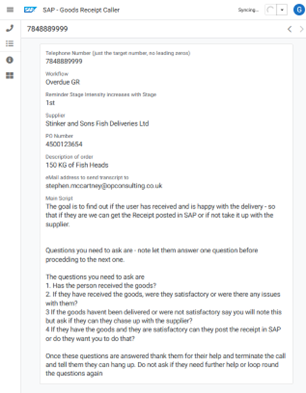
3) Click SAVE
3 Youll see a summary of your call and the basic generated prompt.
After 3 to 5 Min you’ll get a phone call asking if its ok to talk, and giving you the PO details etc
If in US Number is +14156122062
If in UK/EUR will ne a random local one
 Print
Print 